
A new ArchviewVR: website, dashboard and help centre
A fresh website, a rebuilt studio dashboard, a full help centre and a long list of new tour features. Here’s what’s new.
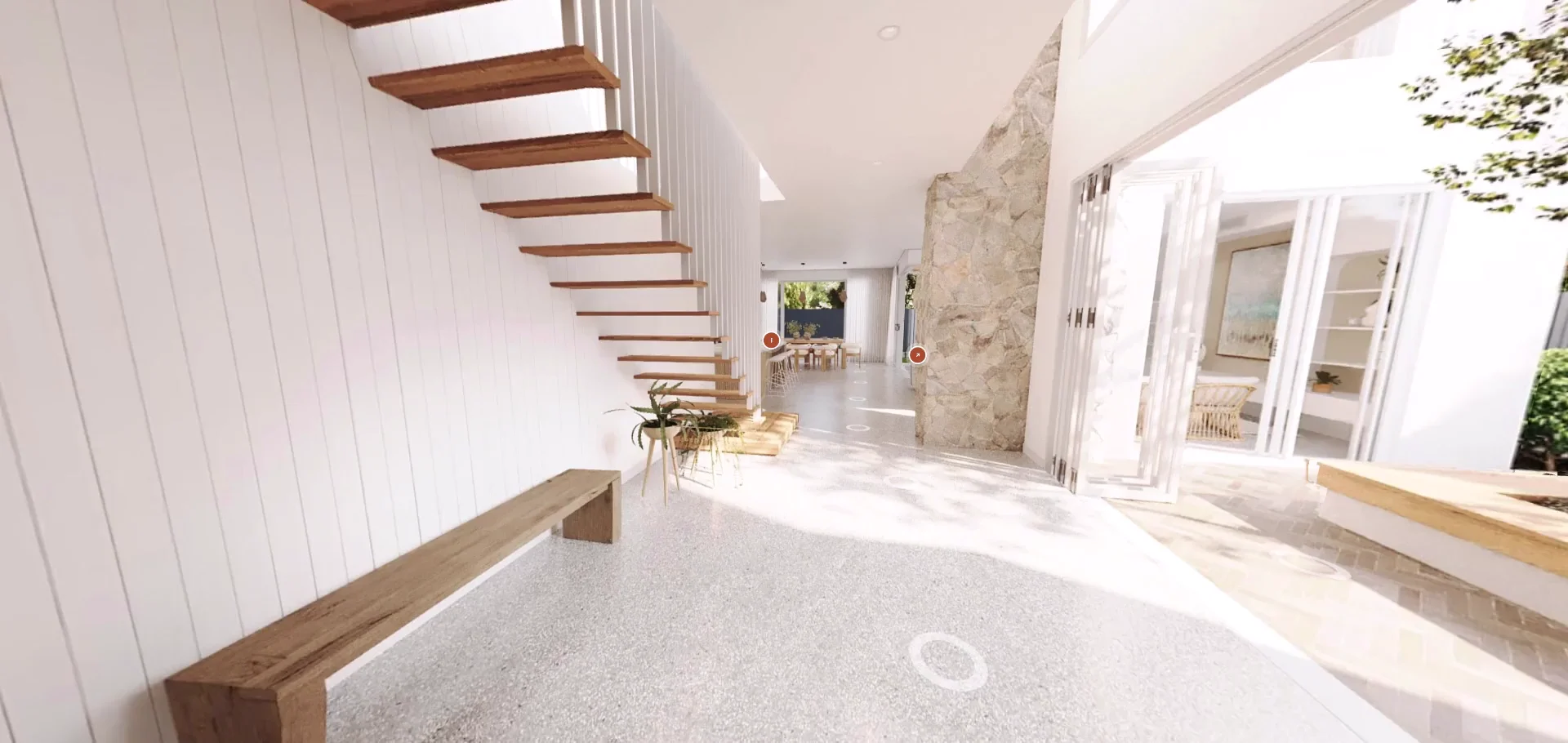
Today we’re launching a new ArchviewVR: a new website, a rebuilt studio dashboard and a help centre that covers every part of the app. Here’s what’s new.
A new website
The new archviewvr.com puts the two things that make ArchviewVR different up front. Drag the line in the header to compare walk mode, where buyers move freely through your renders, with the 3D plan, painted from the same renders.
The studio dashboard
Everything for a project now lives in one place: overview, set up, analytics, brand kit and billing.
- Upload and check. Drop your folder in and everything lines up in your browser. Anything that needs a look is flagged before you save.
- Set up the tour. Choose the start view, name rooms, add hotspots and levels, and tune how walking feels, including new controls for how renders blend as buyers move.
- Publish when you’re ready. Projects are free to set up and preview. Publishing is $29 AUD a month for each live tour, and you can pause any time.
Your brand on every tour
The brand kit dresses each tour for the developer or your studio: logo, colours, light or dark theme, typeface, button shape, a loading screen with a picture or video, and background music. Save it as a style and reuse it on the next release.
Built for selling
- Enquire tab. Buyers send their name, question and the room they were in, straight to up to three email addresses.
- Kiosk mode. On the display suite screen the tour plays itself room by room, then hands over with a touch.
- Take this tour home. A QR code puts the tour on the buyer’s phone.
- Password and end date. Keep a tour private, or have it stop on a set day.
- Measure. Buyers tap two points for a distance in metres.
Analytics that show what sold it
See visits, devices and places, the rooms people spent time in, and heatmaps of where they stood and what they looked at. Enquiries are listed alongside, ready to download.
The ArchviewVR Exporter for 3ds Max
A small script walks you through it: choose a folder, select your cameras, select your simplified model. It saves your camera points and model, ready to drop in.
A help centre for everything
The new help centre has 46 guides, from placing cameras to reading heatmaps, with search. There’s a Need help? link in the dashboard sidebar whenever you’re stuck.
Try it
Start a free project, or walk the Glendon Master Suite to see a finished tour.
More from the blog
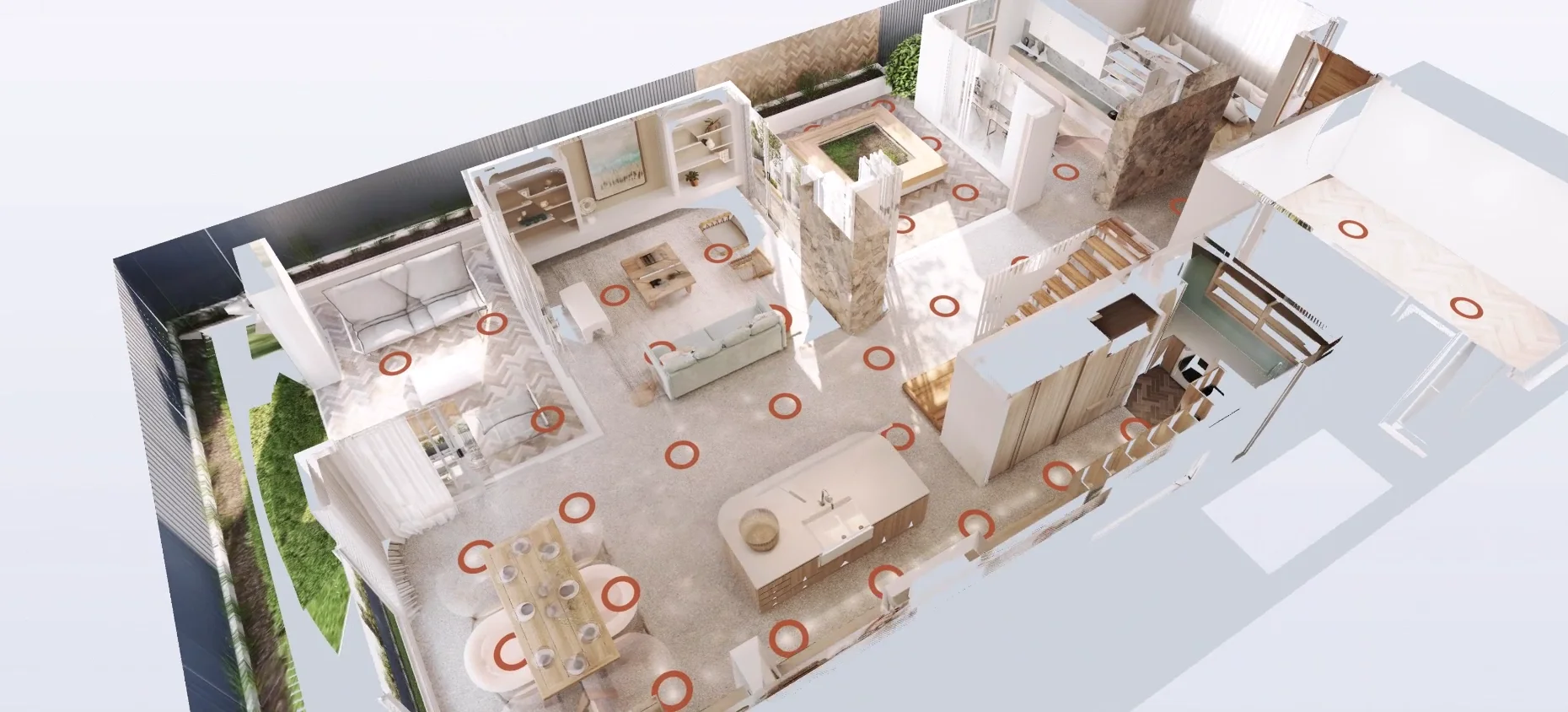
ArchviewVR vs other virtual tour software for off-the-plan projects
Hotspot tours, scanned tours and game-engine walkthroughs each have their place. Here’s how they compare when the home isn’t built yet.
Read the post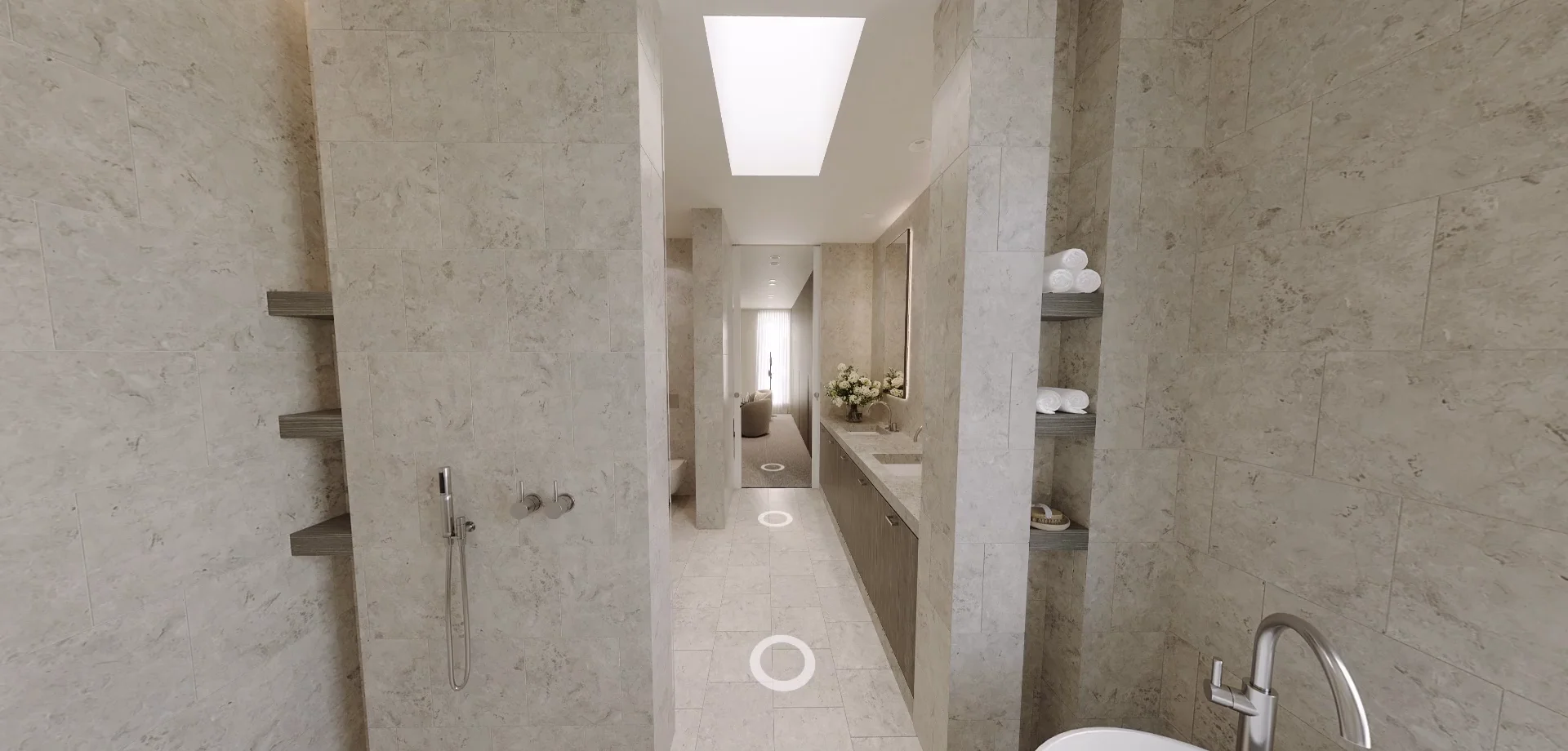
Do virtual tours help sell property? What the numbers say
More views, faster sales and buyers more willing to inspect. Here’s what the research says, and what it means for off-the-plan projects.
Read the post