
ArchviewVR vs other virtual tour software for off-the-plan projects
Hotspot tours, scanned tours and game-engine walkthroughs each have their place. Here’s how they compare when the home isn’t built yet.
If you sell off the plan, a virtual tour has a hard job. There’s nothing to photograph or scan, so it has to come from your renders, and it has to work on the phone a buyer is holding at the display suite.
Most tour software was built for something else. Here’s an honest look at the main options and where ArchviewVR fits.
The three usual options
Hotspot 360 tours (tools like Pano2VR, 3DVista and Kuula) link a set of 360° images with clickable spots. They’re quick to make from renders and work in any browser. But buyers jump from dot to dot, and the floor plan is usually a flat image with markers on it.
Scanned 3D tours (like Matterport or iGUIDE) capture a finished space with a camera. You can walk around freely and see a dollhouse view. The catch for off-the-plan sales: they need a built space to scan, so they can’t show a home that doesn’t exist yet.
Game-engine walkthroughs (built in Unreal Engine or Unity) let buyers move anywhere. They take a separate build of the whole scene, often look different from your final renders, and can struggle on phones or need an app or streaming to run.
Where ArchviewVR sits
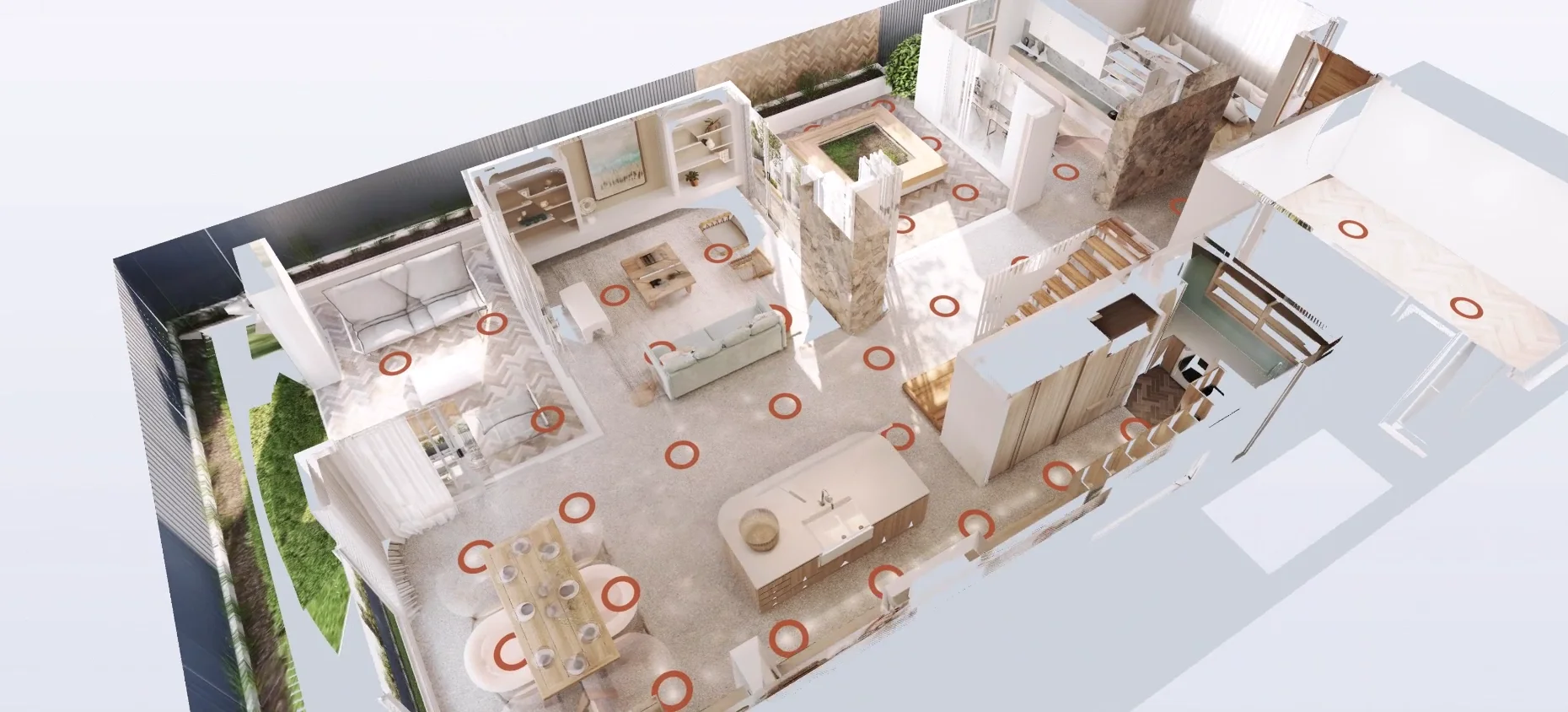
ArchviewVR starts from what you already make: Corona 360° renders and a simple model. It projects your renders onto the model, so buyers walk freely from room to room and still see your actual renders. Fly out and the same renders paint a 3D plan of the whole floor. It runs in the phone browser, with no app.
Side by side
| Hotspot 360 tours | Scanned 3D tours | Game-engine walkthroughs | ArchviewVR | |
|---|---|---|---|---|
| Works before the home is built | Yes, from renders | No, needs a built space | Yes | Yes, from your renders |
| Walk freely between views | No, jump between spots | Yes | Yes | Yes |
| Shows your final render quality | Yes | Photos of the real space | Varies, real-time graphics | Yes |
| 3D view of the whole floor | Usually a flat plan | Yes, dollhouse view | Varies | Yes, painted from your renders |
| Runs in a phone browser | Yes | Yes | Varies, often heavy | Yes |
| Extra build work | Low | A site visit to scan | High, a separate scene build | Low, renders plus a simple model |
Every product is different, so check the details of any tool you’re weighing up. The table shows how each type of tool usually works.
What else comes with ArchviewVR
- Your branding: logo, colours, typeface, loading screen and music, saved as a style per developer.
- Made for sales: a kiosk mode for the display suite, a QR code so buyers take the tour home, and an Enquire tab that emails the agent.
- Proof it’s working: visits, heatmaps of where buyers stood and looked, and the rooms they spent time in.
- Simple pricing: free to set up and preview, then $29 AUD a month for each live tour.
When something else is the better fit
If the home is already built and you want a record of the real space, a scanned tour is the right tool. If you need a fully interactive configurator with live material swaps, a game-engine build is worth the extra work. For selling off the plan from the renders you already have, that’s what ArchviewVR is built for.
More from the blog
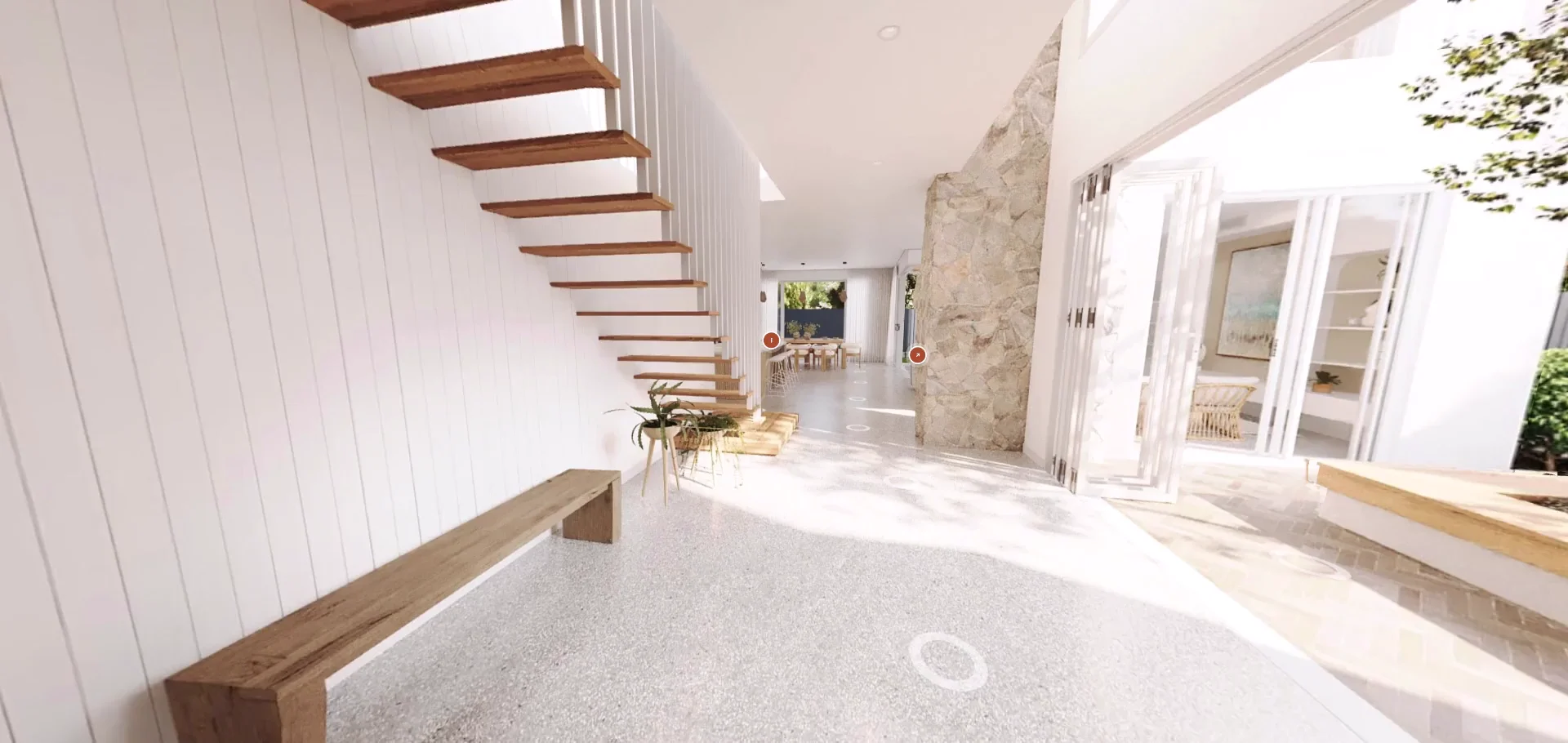
A new ArchviewVR: website, dashboard and help centre
A fresh website, a rebuilt studio dashboard, a full help centre and a long list of new tour features. Here’s what’s new.
Read the post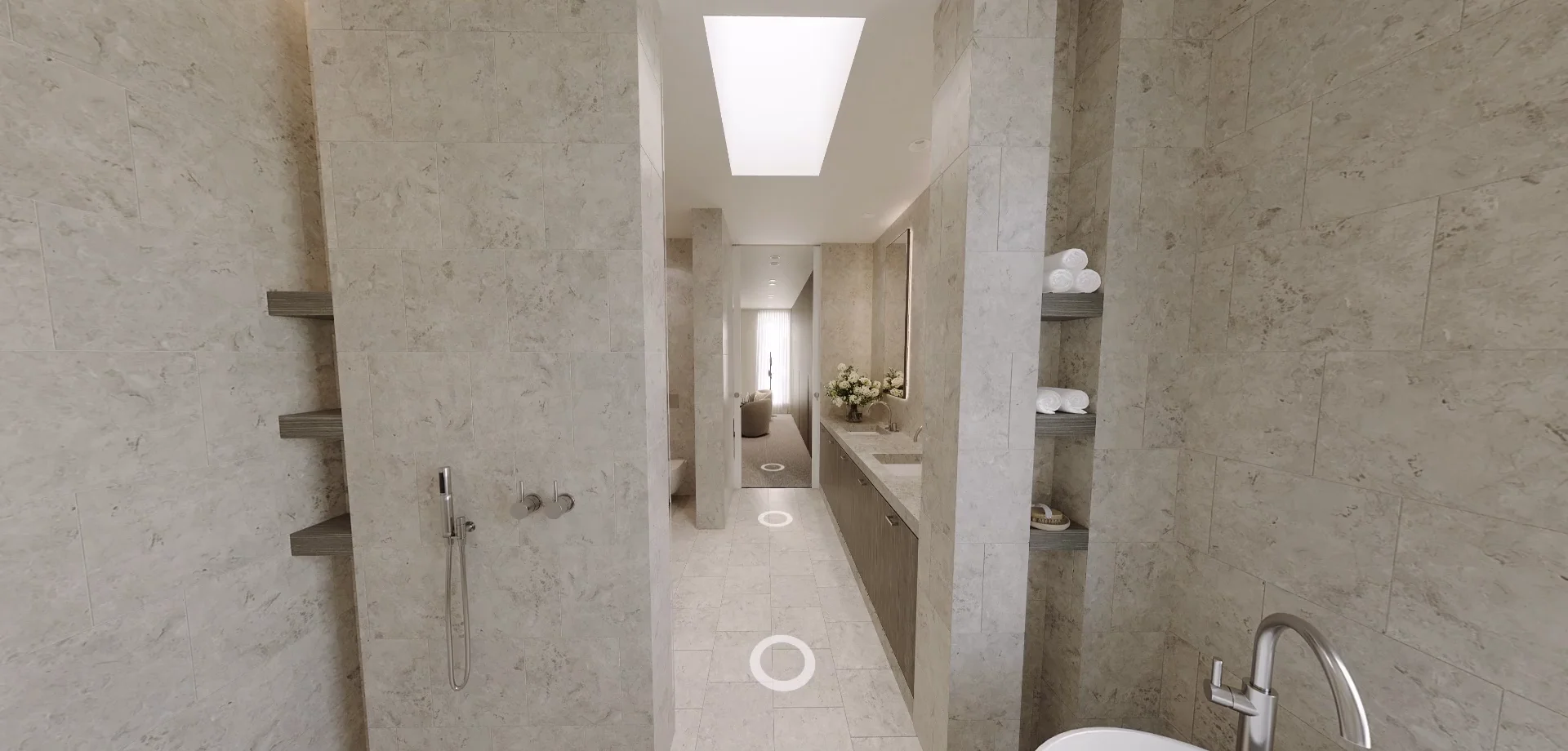
Do virtual tours help sell property? What the numbers say
More views, faster sales and buyers more willing to inspect. Here’s what the research says, and what it means for off-the-plan projects.
Read the post