
Sell projects
that aren’t
built yet.
Turn your 360° renders into a home buyers can walk through on any phone, then fly out to see the whole floor in 3D.
Your name on every tour.
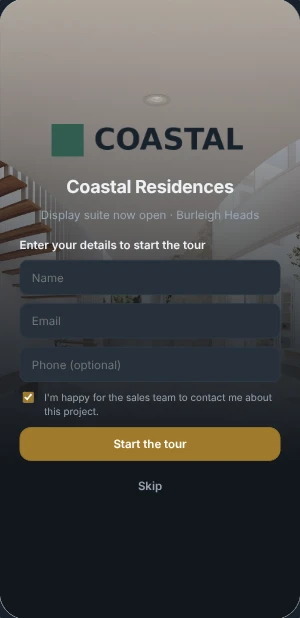
Developers remember the studio that handed them something nobody else had. Each tour wears your logo, or your client’s: their colours, type, loading screen and music. Save a style per developer and reuse it on the next release.
- Logo and light logo
- Colours and dark theme
- Typeface
- Video loading screen
- Enquire tab
- Saved styles
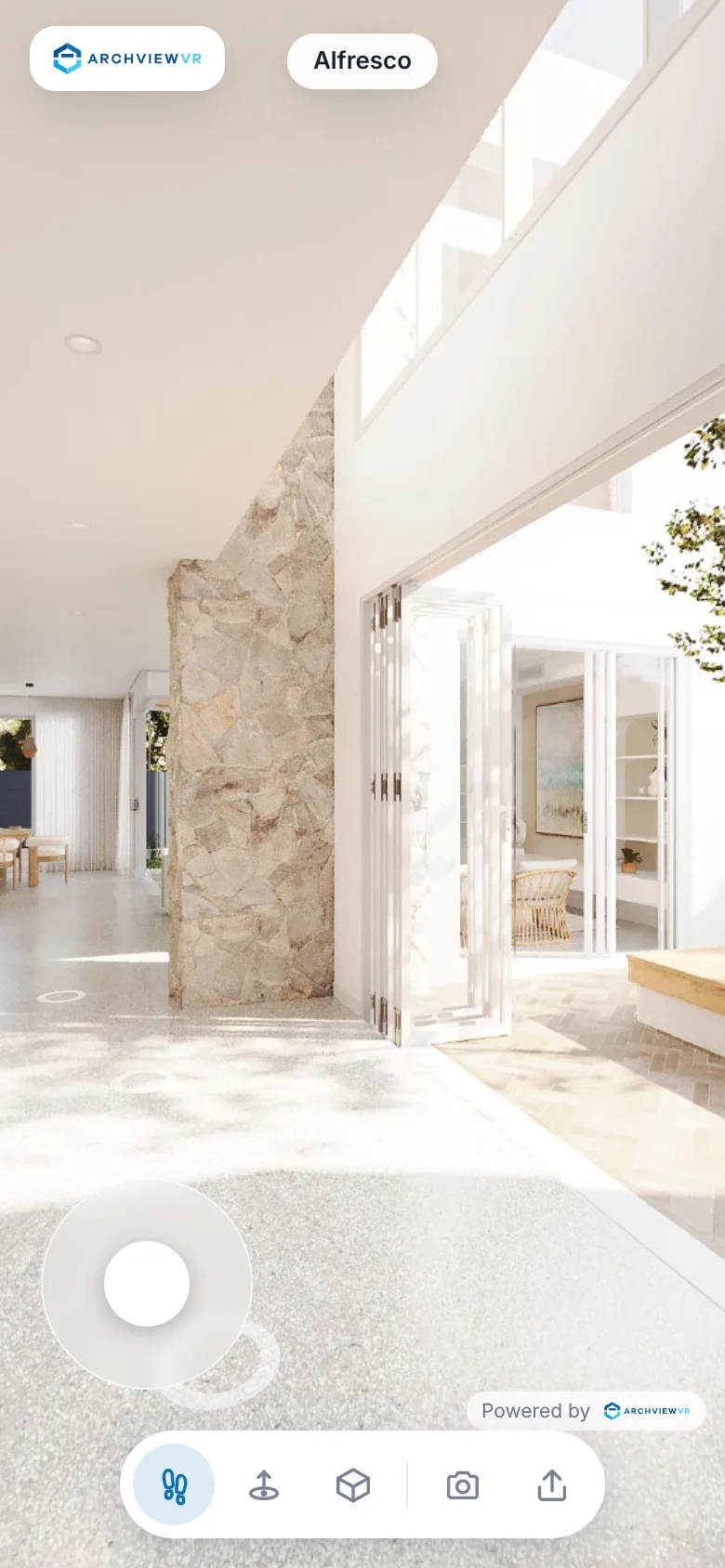
Your renders, now walkable.
Other walkthroughs trade your renders for game graphics. Here your actual renders are projected onto the model, so buyers walk freely and still see the finish you rendered.
- A joystick on phones, arrow keys on computers
- Full-size renders sharpen in when they stop
- Walls stop them, just like a real home
The whole floor, in one look.
Fly out to a 3D plan painted from the same renders. Buyers see how the rooms connect, tap a spot to drop back in, and measure what matters to them.
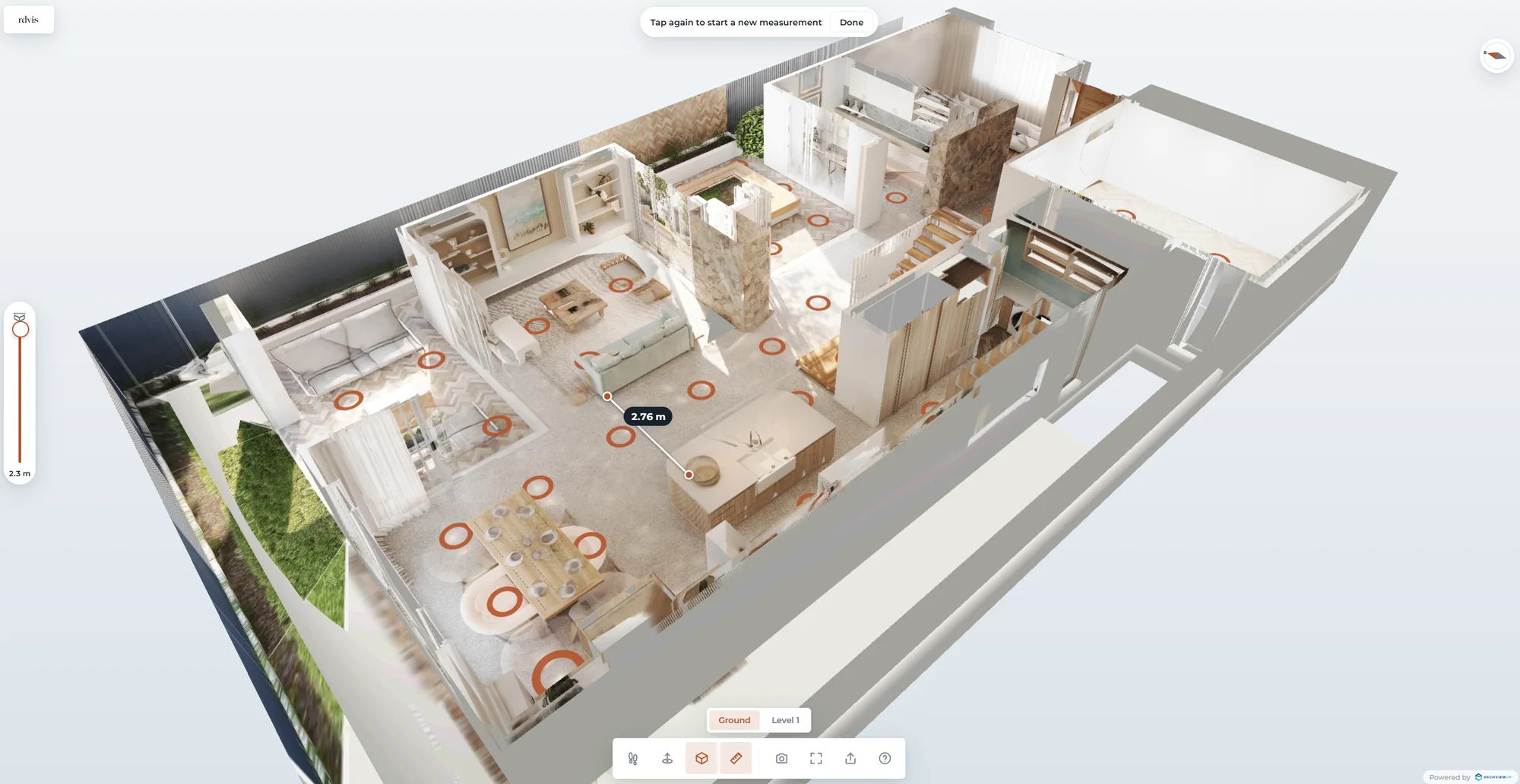
Painted, not modelled
No textures to bake. The plan updates the moment you replace a render.
Tap to go there
Every circle is a view. Tap it and glide straight in.
Measure anything
Two taps give a distance in metres, straight from your model.
Made for selling off the plan.
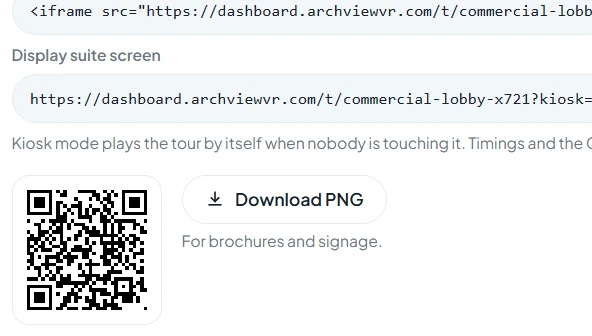
Display suite kiosk
On the big screen it plays room by room, then hands over to the buyer with a touch.
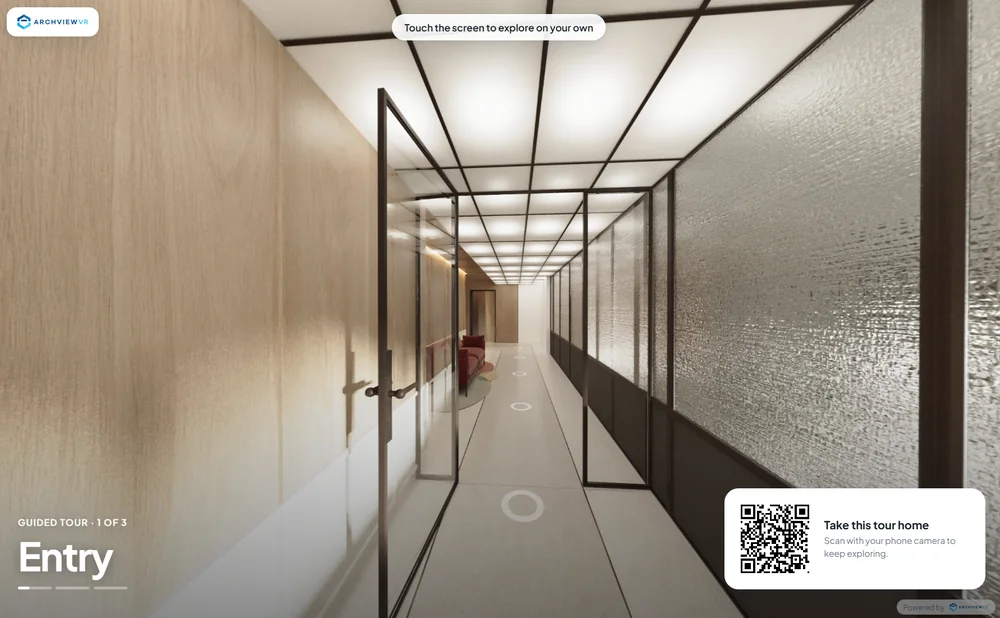
Take the tour home
A QR code puts the tour on the buyer’s phone so the walk-through carries on that night.
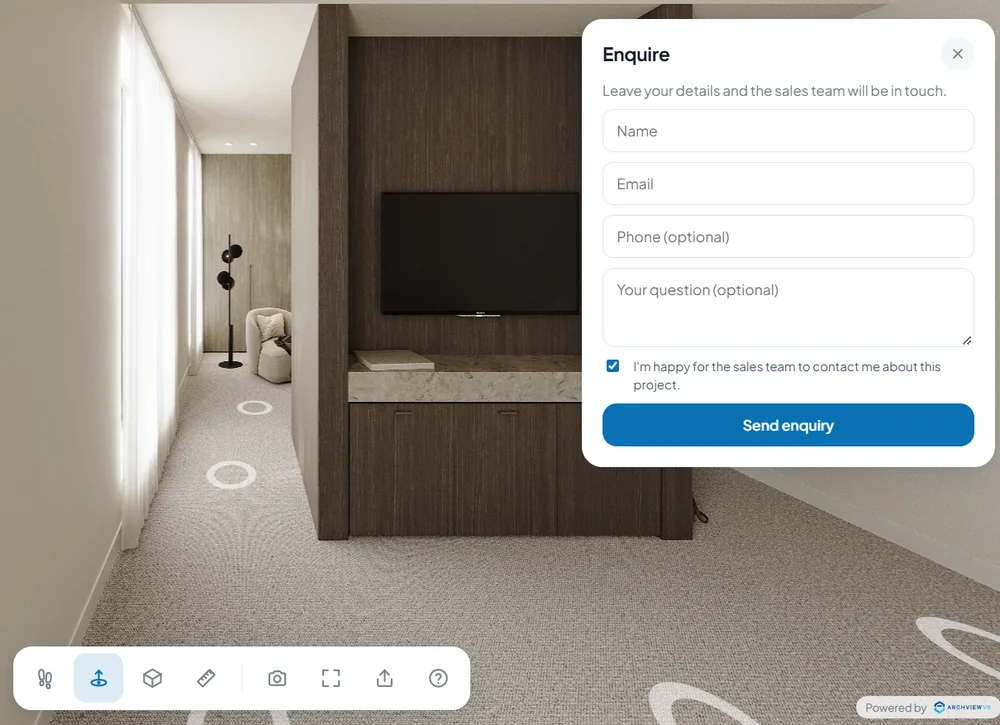
Enquiries go to sales
An Enquire tab sends name, question and the room they were in straight to the agent’s inbox.
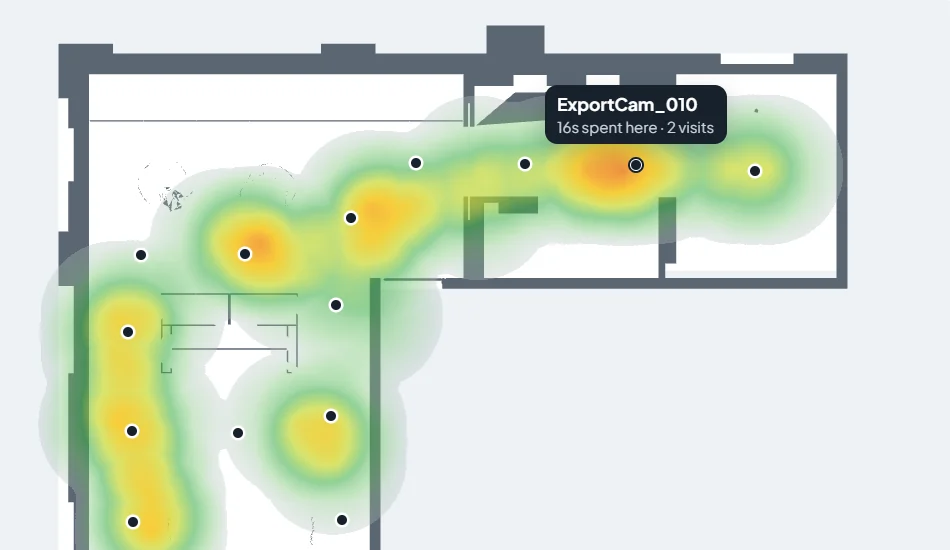
See what sold it
Heatmaps show where buyers stood and what they looked at, room by room.
From 3ds Max to a link in an afternoon.
-
Set up your scene
Place a camera every few metres at eye height, named to match its render, and make a simple model of the walls and floors.
-
Export your model and render your panoramas
The ArchviewVR Exporter saves your camera points and model into one folder. Render a 360° panorama from each camera into the same folder.
-
Upload, set up and customise
Drop the folder in and everything lines up in your browser. Set the start view and rooms, add your branding, then publish and share the link.
Pay per tour, only once it’s live.
Trial
Free
Every new project, for as long as you like.
- Up to 10 renders
- Walk mode, hop and the 3D plan
- Set up, brand and preview it
- Watermarked, private preview
Published
$29AUD a month per live tour
Share it with buyers. Pause any time; the link comes back when you publish again.
- All your renders, no watermark
- Share link, embed and QR codes
- Your branding and kiosk mode
- Analytics, heatmaps and enquiries
White label
Let’s talk
For studios and developers who want tours under their own name, or many projects at once.
- Your name, not ours
- Pricing for many projects
- Help setting up your first releases
From the blog
All posts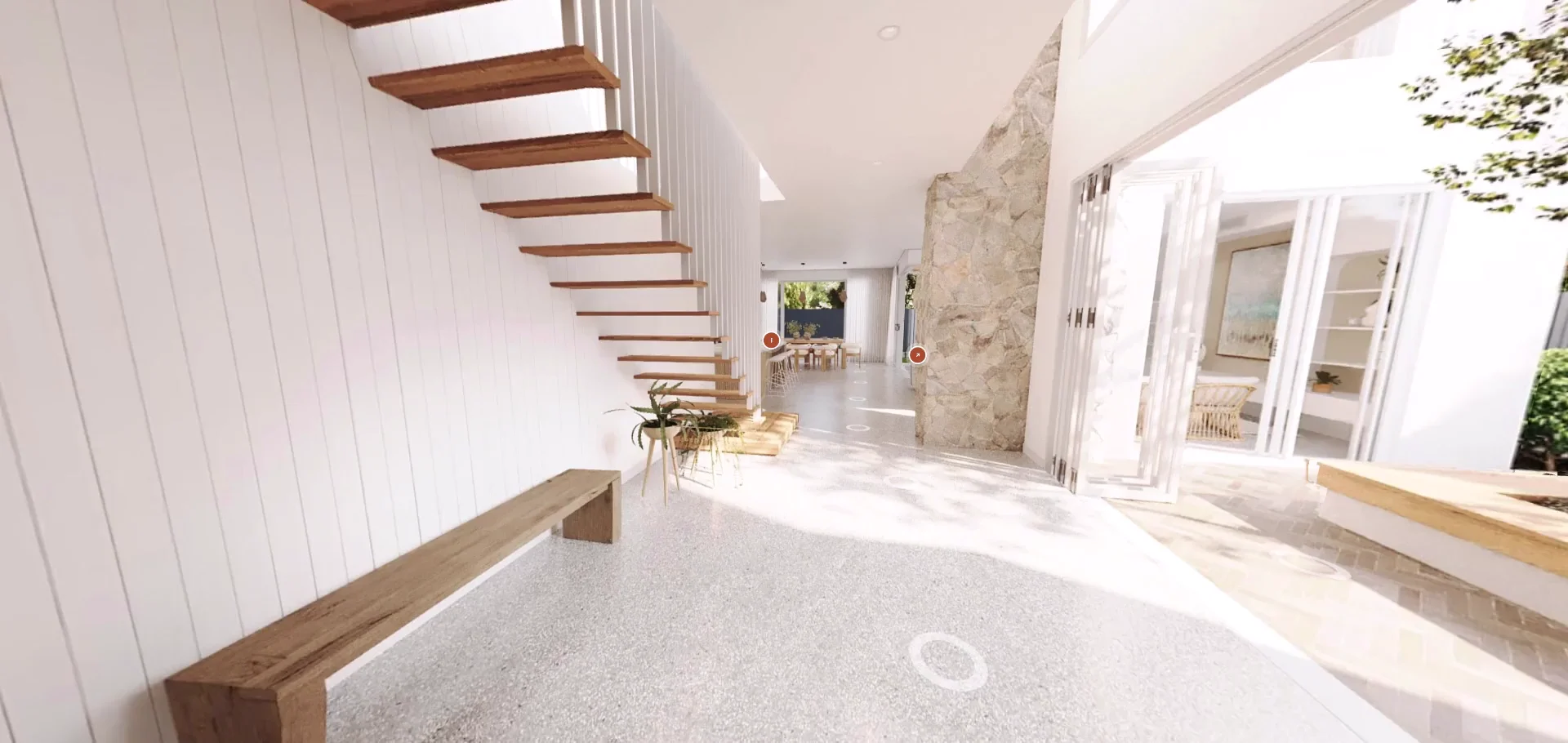
A new ArchviewVR: website, dashboard and help centre
A fresh website, a rebuilt studio dashboard, a full help centre and a long list of new tour features. Here’s what’s new.
Read the post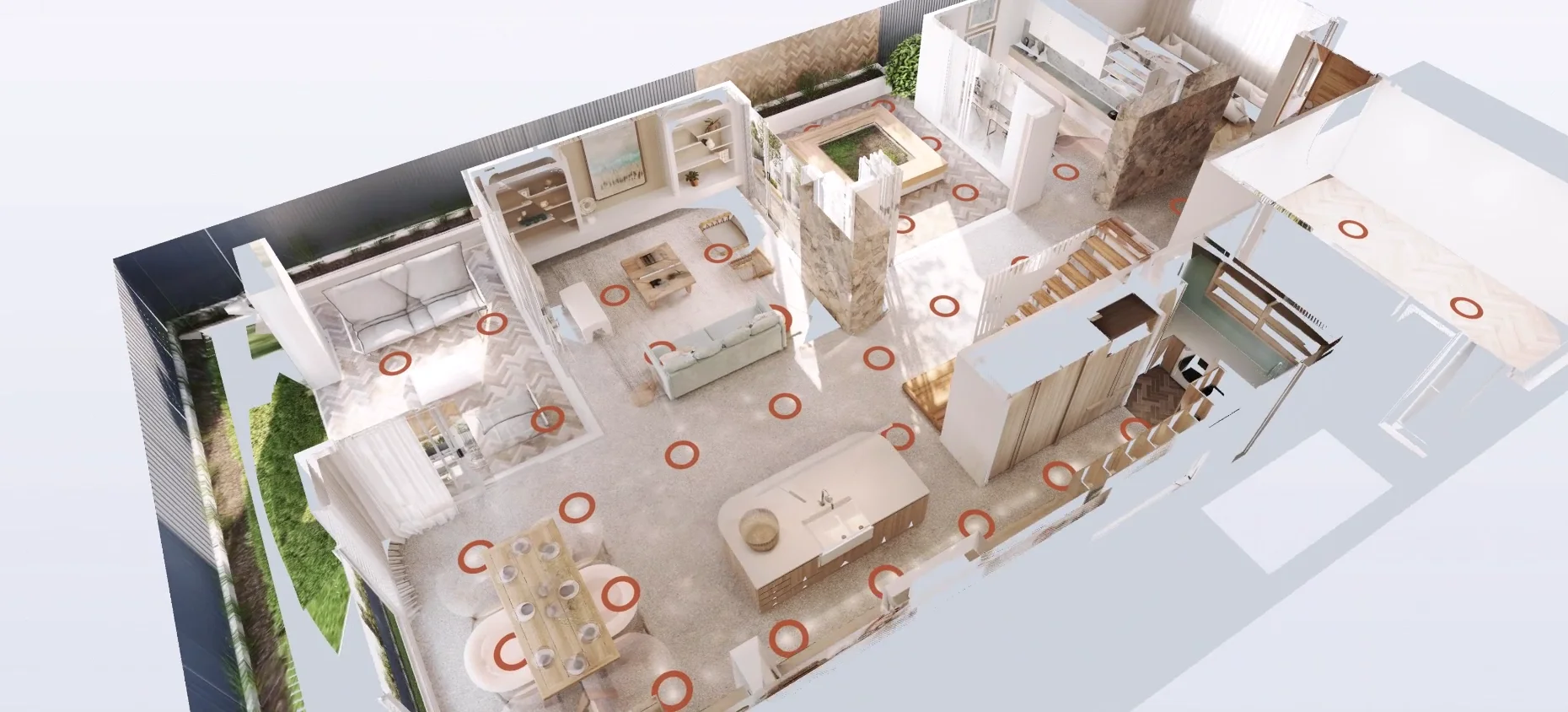
ArchviewVR vs other virtual tour software for off-the-plan projects
Hotspot tours, scanned tours and game-engine walkthroughs each have their place. Here’s how they compare when the home isn’t built yet.
Read the post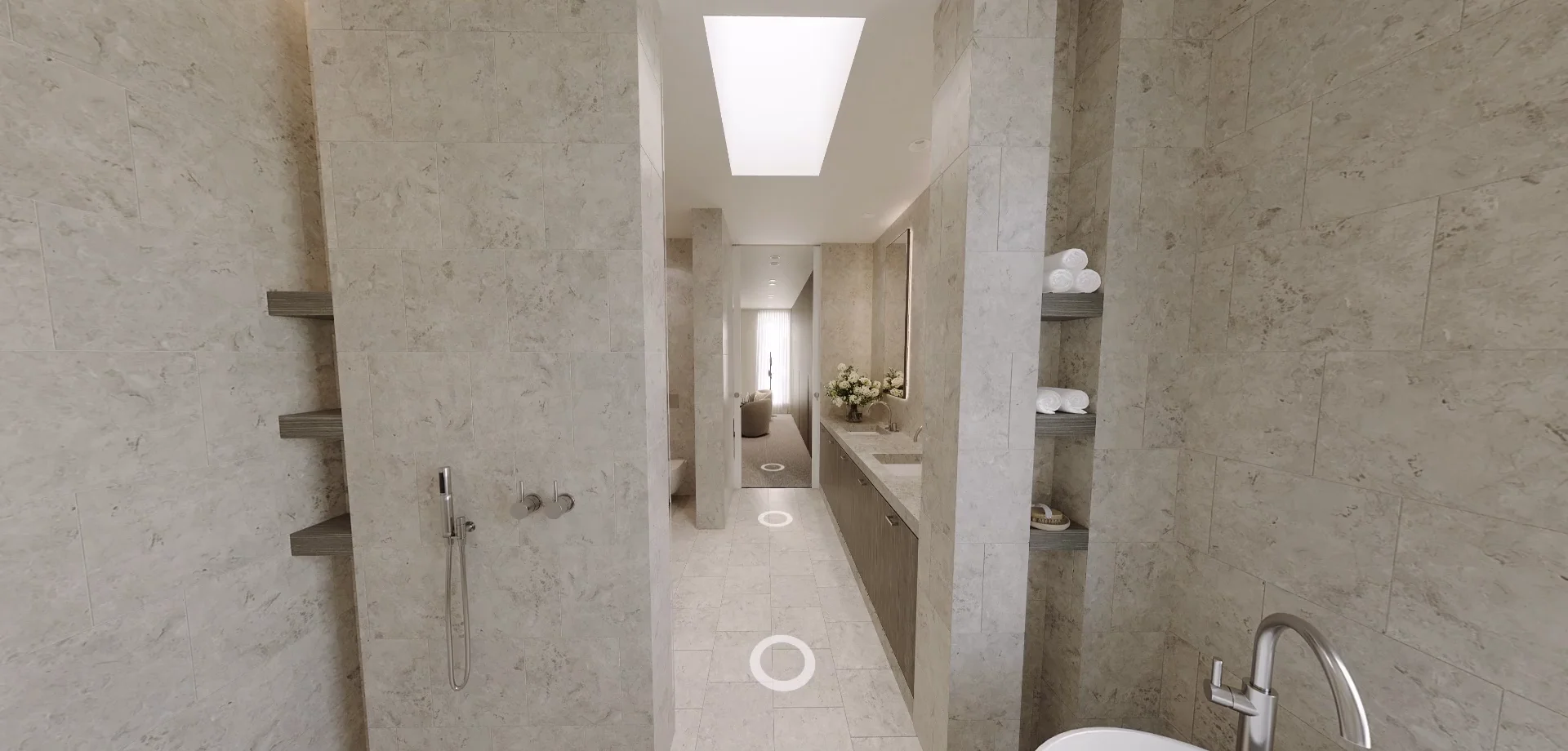
Do virtual tours help sell property? What the numbers say
More views, faster sales and buyers more willing to inspect. Here’s what the research says, and what it means for off-the-plan projects.
Read the post